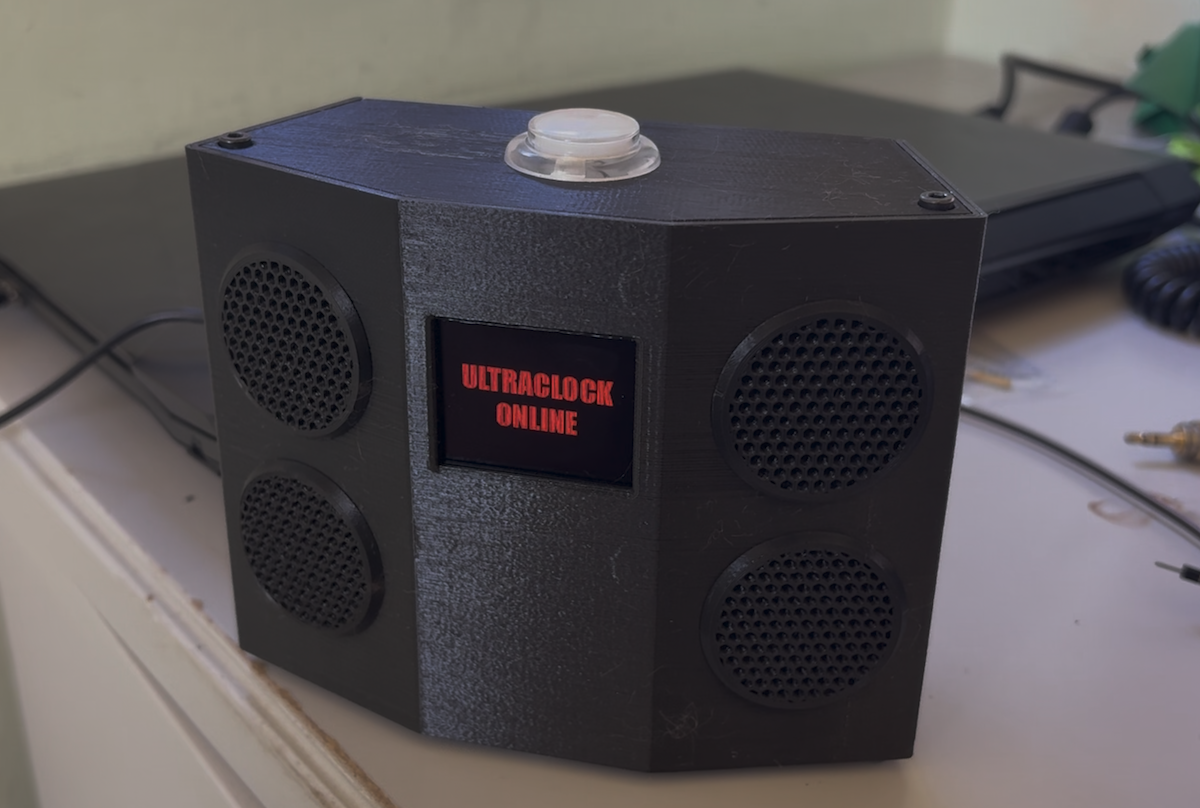
How to make your kid hate AI.
This is a brief study in technology and wishful thinking.
My son Andy always had a tough time getting out of bed for school. And, I get it. School was often boring for him, and it starts too early. That second part isn’t just grouchy sentiment, it’s peer-reviewed science. Kids need sleep, and lots of it. They should be getting to school at 9am, but we’ve wrapped their schedules around ours. As a result we have kids who are groggily choking down their Cheerios while the sun is still coming up, and then sleepwalking through their classes.
That’s a problem to solve (and don’t get me started on the boring-school thing). I’m probably not the one to solve it. So, in true Silicon Valley fashion, I threw AI at the problem instead.
The goal: create a clock so cool, so fun, that Andy will positively leap out of bed every morning, with a fist pump and a carpe diem. Or something. The secondary goal: have fun building a clock, and use up some spare components I had lying around. A few years ago, Target remaindered all their Google AIY Voice kits - they were going for ten bucks or something, a ridiculously good deal. I bought two.
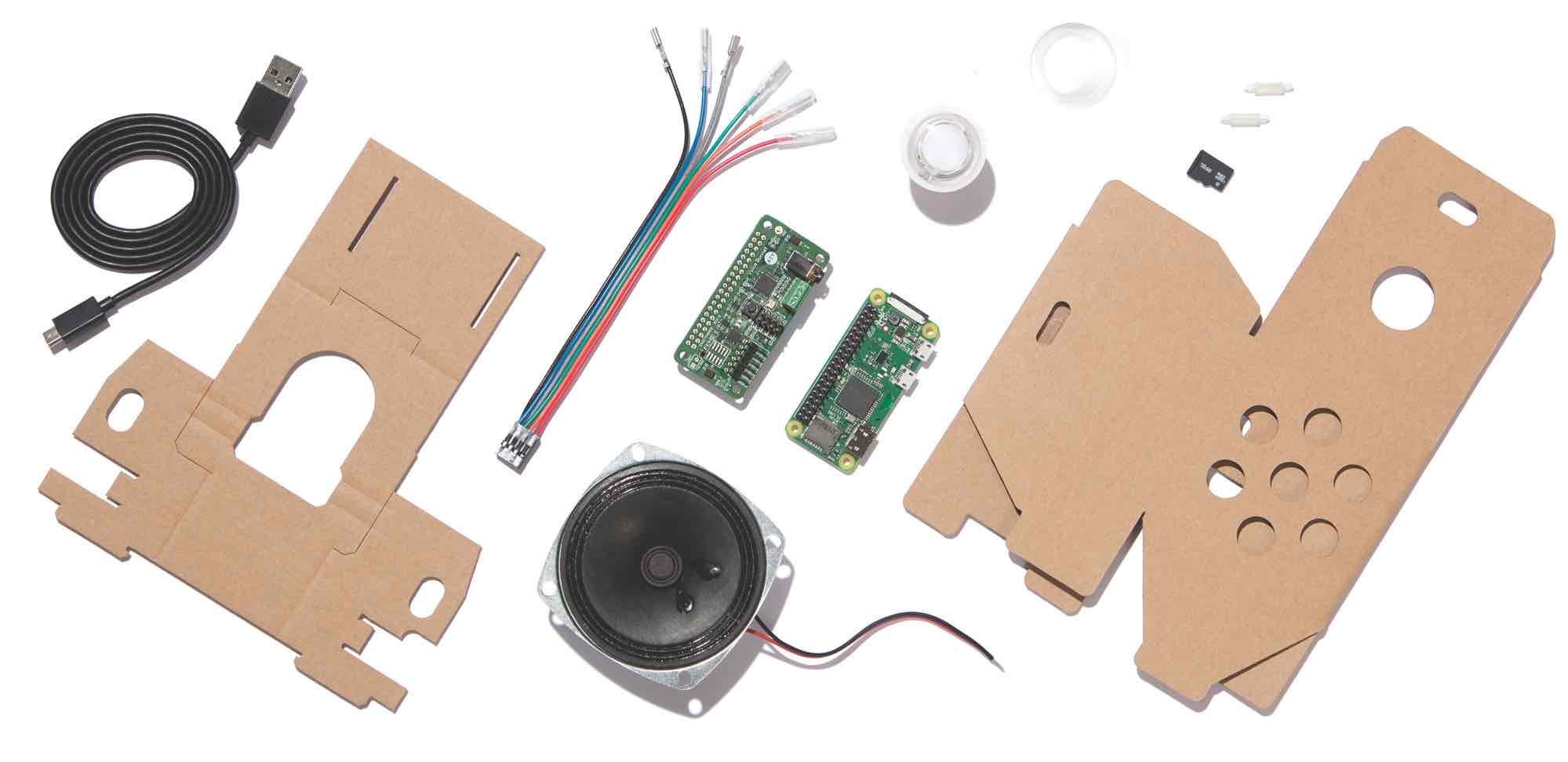
Introducing the Li’L Surveillance State Playset
With a Raspberry Pi Zero, an audio board, a speaker and a cool RGB arcade-style button, all I needed was an enclosure. Except, the audio board packaged with the AIY kit used an out-of-date driver that only seemed to only run on the specific special Debian distro Google built for this thing. Yes, really. Stop a moment to think about how much engineering hours went into that alone… and it ended up in a bargain bin.
I tried compiling the drivers for the latest Raspbian built, and that went about as well as you’d expect. So, I bought an entirely different component, the WM8960 Audio HAT Module. It was under $25 and actually had stereo output - and the sound is surprisingly good for one measly watt per channel.
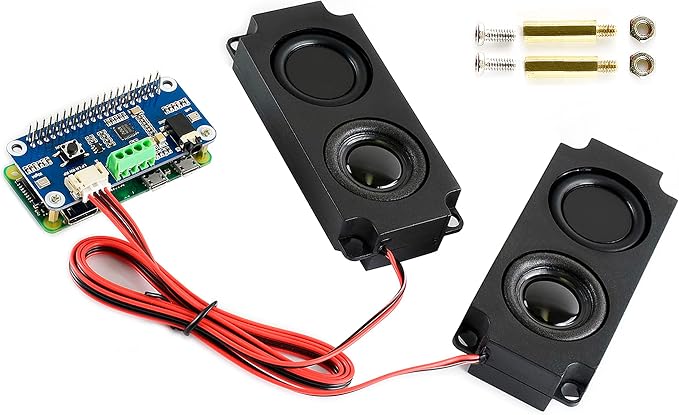
Two rocking watts of ‘Get Your Butt Out of Bed’
Finally, I decided it needed a display. I happened to have a small OLED panel from an earlier project, and that was perfect: nice and bright, but totally dark when inactive. Some TFT LCD screens don’t allow the controller to turn off the backlight, so even when inactive there’s a bit of a glow, and that could interfere with Andy’s sleep.
Next up: design an enclosure. Once again, OnShape, my go-to CAD suite, came to the rescue. I wanted to create something compact and minimalist but still distinctive. Lesser alarm clocks can be boring pastic rectangular prisms, but not mine. And, I wanted the structure to enhance the stereo separation. Last but not least, I wanted to keep all the ports to the RPi available, so if necessary, Andy could plug in a keyboard, mouse and monitor to hack on it. I ended up with this:
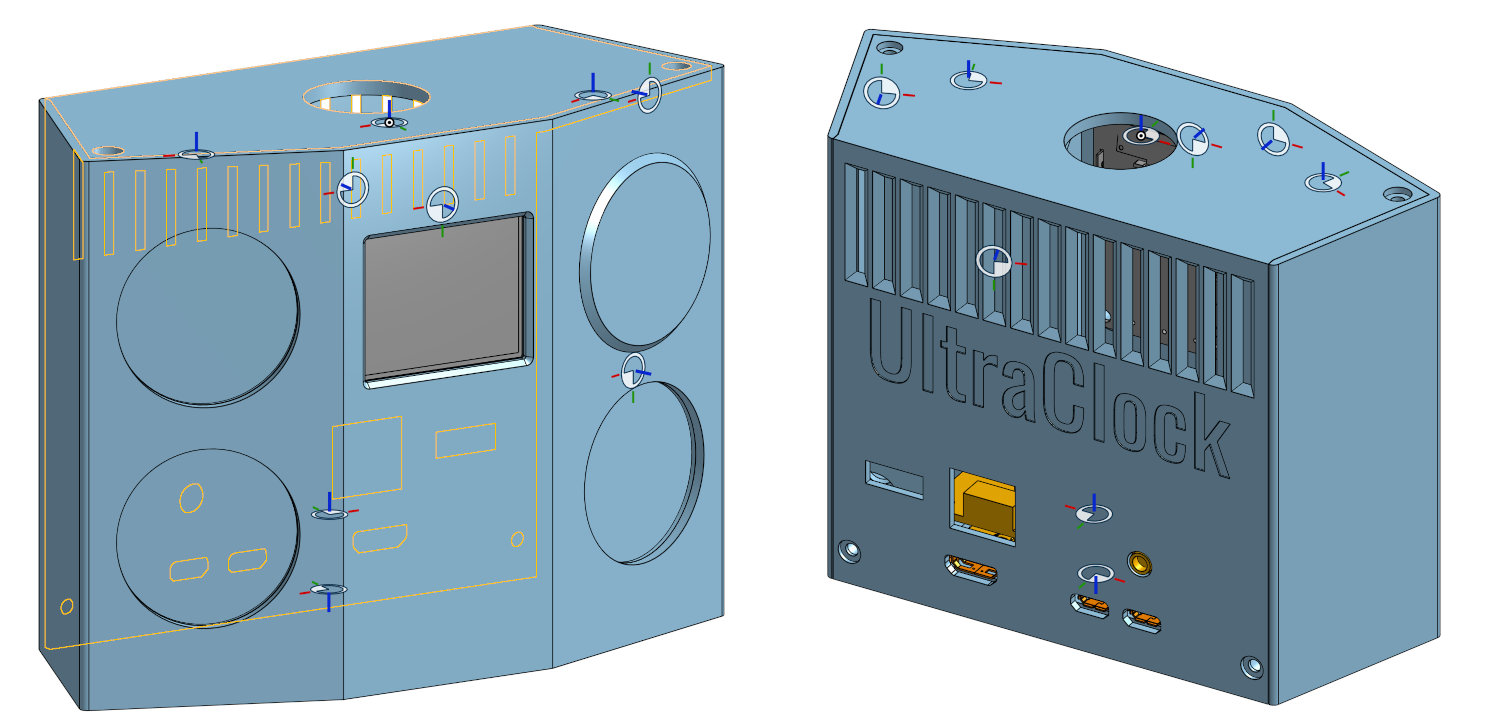
Yeah I left the mate connectors visible, they’re engineering-y
After making sure all the hardware worked and the software libraries I’d need could drive it, I put it together. Since I’m not well-versed in PCB layout, I had to do hobbyist-style jumper wiring. The innards of this thing are not pretty.
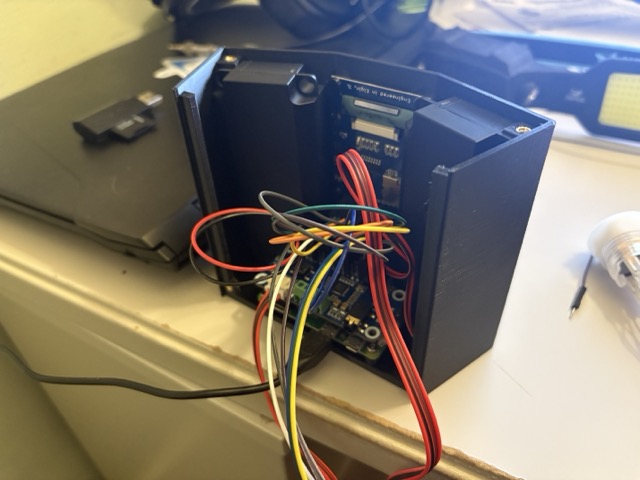
But really, when are innards ever pretty?
Next came the software. I set up the alarms so that a randomly selected MP3 plays, and then the clock hits the OpenAI API to generate and text-to-speechify a custom wakeup greeting. The default prompt is:
Write a personalized wake-up greeting for Andy. Please announce the time, {current_time} and today's date, {current_date}. Then say good morning in a randomly selected language, and tell Andy what language you chose. Then add a historical event that happened on this day. Finally, wish him a good day.
Since the clock also has that OLED, it generates a daily image as well. After the ten-minute snooze, it issues a second, more urgent wakeup message. Here’s the fun part: when OpenAI released gpt-4o-mini-tts, I was able to give the trasnformer hints for tone and mood, so the snooze message is “in a serious, menacing voice,” per the prompt. In reality it’s more fun-menacing, like “The Emperor’s March” performed on a kazoo, but it gets the job done.
Update: I added a web UI for configuring everything, including the OpenAI prompts. Just on principle, the most technologically advanced alarm clock at Andy’s high school shouldn’t require a clunky command line just to set an alarm.